فيديوهات الشرح
تعلّم Getman من البداية إلى النهاية.
جولة مشروحة بالصوت: التثبيت، والعمل اليومي مع واجهات API، وما يحفظه Getman في Git، وربط وكيل برمجة، وتغيير حقيقي من الخلفية إلى الواجهة.
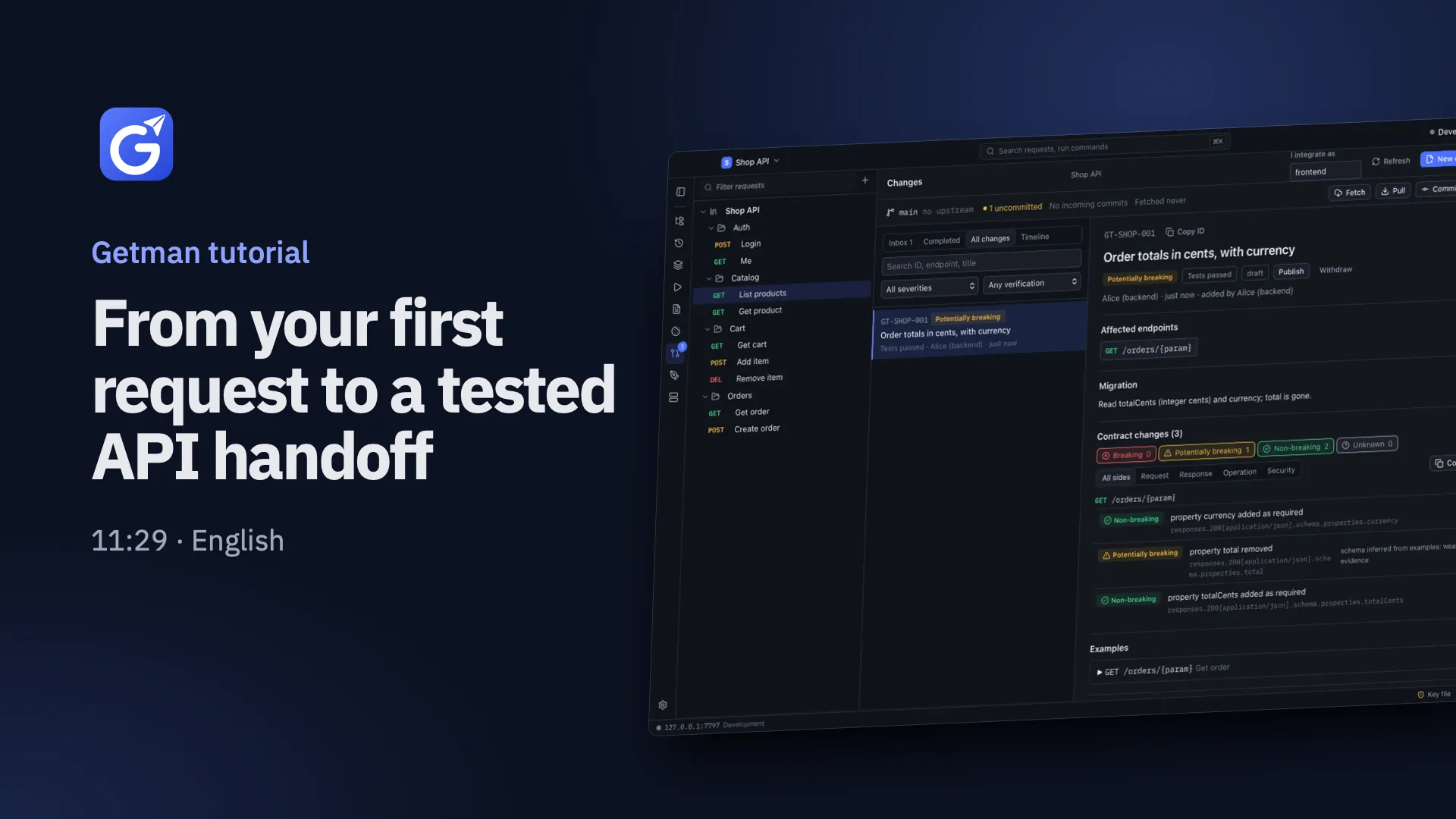
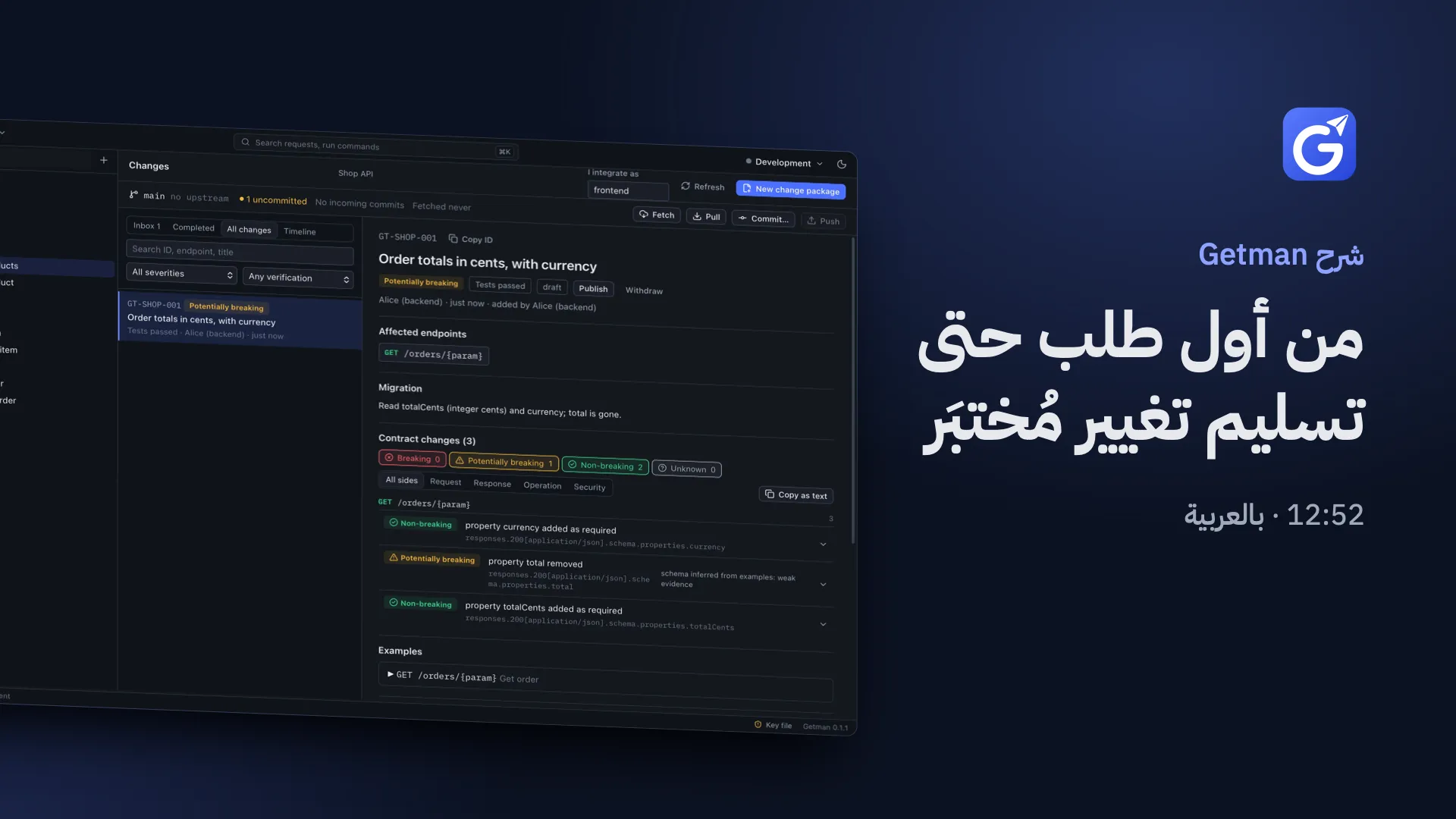
النص الكامل: الإنجليزية
اقرأ النص الكامل
0:00 Welcome: what Getman is
Welcome to Getman. This tutorial shows how to use Getman every day… and how our backend and web developers, and their coding agents, hand each other API changes through Git. Until now, a backend change reached the web team as a Markdown file… often without tested examples. With Getman, it becomes a structured change package, in the same Git repository as the code: the contract diff, request and response examples, migration notes, and evidence from real test runs. Coding agents read and write these packages through Getman's local MCP server. Nothing runs in the cloud: no account, no server, no subscription. We'll install Getman, do everyday API work, see what it keeps in Git, connect a coding agent, then follow one real API change from backend to web developer, and finish with troubleshooting. Everything you'll see is real: Getman's interface and engine, real terminal commands, and a real coding agent. The only data is a small sample Shop API on this machine.
1:03 Install Getman and open the team workspace
First, install Getman. Download your system's build from the team's GitHub release. On a Mac, drag it to Applications. The build isn't signed yet, so the first time… right-click Getman and choose Open. The command line and coding agents also need Node.js 20 or later. Here, we simulate a small team on one machine. This script creates a shared Git repository and two clones: one for Alice, a backend developer, and one for Bob, who builds the web app. In real life, you just clone your team's repository. Let's look inside Alice's clone. The backend, the web app, and a getman folder: the team's Getman workspace, committed like any other code. Alice starts the Shop API on port 4780; node restarts it whenever its code changes. Bob opens Getman for the first time. Instead of building requests by hand, he opens the team workspace: the getman folder in his clone. Getman loads the project, its environments, and every saved request. On the left are the collections, folders and requests the whole team shares. At the top: the project, and the active environment. The status bar always shows where your requests go. Secret values are never stored in Git. The password variable arrives empty… so Bob fills it in once, under Environments. He types the demo password. Secrets stay masked, in this computer's secure storage: in the desktop app, the system keychain.
2:43 Everyday API work
Everyday work: Bob opens Get order, from the Orders folder. The URL uses variables in double braces, like base_url, and a path parameter for the order ID. He presses Send. Two hundred, OK. Bob never logged in… yet the request succeeded. That's the project's authentication at work. This request's Auth is set to inherit. Auth and headers come from the project, then the collection, then the folder, and any level can override them. In Project settings, Access, the project sends a bearer token and an X-Client header with every request. When the token is missing or rejected, Getman runs Login first, saves the new token as a secret, and retries. Now, a new request. Bob adds Get current user to the Orders folder, pointing at slash me. No assertions yet, so he opens Tests. No-code assertions check status, response time, JSON fields, headers, array lengths, or a JSON schema. Extractors copy a response value into a variable for the next request in a run. Here, the user's email. To see a failure, Bob expects 201 instead of 200… and sends again. The response's Tests tab says exactly what went wrong: expected 201, got 200. He sets it back to 200, sends, and saves with Command S. Environments switch where requests go. Bob picks Production: the URL now resolves to the production host, as the status bar shows. Production is protected. Sending a POST, like Login, asks for confirmation first. Bob cancels, and switches back to Local. To run a whole collection: Run collection. Getman runs each request in order, carries variables forward, and shows every assertion. Need it in the web app's code? More, Generate code, gives Fetch or Axios code with inherited auth and headers. Secrets stay masked on screen. OpenAPI works both ways. Export project writes an OpenAPI 3.1 contract, reporting anything it had to infer or leave out. And Import reads OpenAPI, Swagger, Postman collections, cURL commands, and HAR captures.
5:06 What Getman keeps in Git
What exactly lives in Git? Plain, reviewable YAML. Here's the Local environment, from Bob's clone. Base URL and email are shared; password and token are marked secret, with empty values. Secret values never leave your machine. Each request is one file, so a pull request shows exactly which request changed… and how. The getman folder holds project settings, environments without secret values, one file per request, the current contract, and the change packages. History, open tabs and secret values stay on your machine. In the app, Git lives in the Changes view: this icon… or Command Shift G. The Git bar shows the branch, its upstream, commits ahead or behind, and uncommitted Getman files. Fetch finds teammates' work without changing your files. Pull fast-forwards only, and never merges for you. Commit lets you tick which Getman files to commit; Push sends them. Bob tells Getman which consumer he is: web. His Inbox lists the changes web still has to integrate. Getman reads, warns and refuses on its own… but nothing commits, pushes or pulls without your click. Merging and conflicts stay in Git, with the tools you already use.
6:25 Connect a coding agent (MCP)
Now, the coding agent. First, install the command line tool from Project settings, Command line and agents. It also contains the MCP server. The repository already has a small MCP config: Claude Code starts getman mcp on its getman folder. No absolute paths, so it works in every clone. Secrets reach the agent as environment variables named GETMAN_VAR_, plus the variable's key. Bob exports the demo password in this shell only. Let's ask Claude Code what it can see through Getman. Through Getman's tools, the agent found the project, its environments and requests. It knows the password is set… but the tools never return its value. These are the tools. Agents only see the folders the server was started with, and never secret values. Before any request that changes production data, Getman asks you to approve that one request in the agent's app. The agent can't approve it for you. Read only mode removes the write tools entirely.
7:33 A backend change, from Alice to Bob
The main event: one API change, from Alice's backend to Bob's web app, with an agent on each side… and Git in between. Alice has opened the same team workspace in her Getman. Alice's task for her agent: rename total to total cents, add a currency, update the Getman request to match, then package and verify the change through Getman. She runs Claude Code in her clone. Watch the Getman tools it calls. The agent edited the server, checked the new response, updated the request, and called create change and verify change. Getman wrote the change package… and ran the request for real. In Alice's Getman, the Changes view shows the new package. It has a stable reference, G T shop 001, the affected endpoint, and the contract diff. Total was removed; total cents and currency were added. Getman rates the removal potentially breaking, not breaking… because the response schema was inferred from examples: weak evidence. The rules are documented in Contracts dot M D. Below: migration notes for consumers, and evidence from the agent's real run: environment, contract revision, and every assertion. Sharing is plain Git: Alice commits the code and Getman files together, and pushes. Getman never does this on its own. Bob clicks Fetch. Before anything is pulled, Getman finds an incoming change package and the request files it changed. It's in his Inbox, marked not pulled. He pulls, and confirms the changed request may replace his copy. Bob now has the complete package: what changed, examples, migration notes, and evidence. No Markdown file required. His web client still reads total… so its test fails against the new API. Bob gives his agent only the change reference, and a goal. The agent read the change through MCP, updated the client and its test, ran the tests, and reported verified. Getman accepted that only after re-running the requests against the new contract. Bob's tests pass, and he pushes. Back on Alice's side: Fetch, Pull… and the change now says Integration verified, by web. From API change to verified integration: structured, tested, and shared through the team's existing Git workflow.
10:20 Troubleshooting
Finally, the most likely problems. First: a missing secret. Without the password, login fails, and Getman says the token request returned 401. Fix it in the app's Environments, or by exporting GETMAN_VAR_password for the command line and agents. An unknown environment name stops before anything is sent, with exit code 3. In a production environment, mutating requests are skipped, and the run exits with code 4, unless you pass allow mutations on purpose. If an agent can't reach Getman, start the M C P server by hand. A wrong folder gives a clear error. Git trouble: say a bad merge left conflict markers in a change file. Validate finds it, and says how to recover. Getman's Inbox flags the file as needing a fix, and refuses to load it… so nothing is silently overwritten. Resolve it with Git as usual. Here, Bob restores the committed file. Here's the short list. Everything here, with exact commands, is in the onboarding guide next to this video. Welcome to the team.
النص الكامل: العربية
اقرأ النص الكامل
0:00 مرحبًا: ما هو Getman
أهلًا بك في Getman. في هذا الشرح نتعرّف على استخدامه اليومي… وعلى الطريقة التي يتبادل بها مطوّرو الواجهة الخلفية ومطوّرو الويب، ووكلاء البرمجة لديهم، تغييرات الـ API عبر Git. حتى الآن، كان تغيير الواجهة الخلفية يصل إلى فريق الويب في ملف Markdown… وغالبًا بلا أمثلة مُختبَرة. مع Getman، يصبح التغيير حزمة تغيير منظّمة، في مستودع Git نفسه الذي يضم الكود: فروق العقد، وأمثلة الطلبات والاستجابات، وملاحظات الترحيل، وأدلة من تشغيلات اختبار حقيقية. يقرأ وكلاء البرمجة هذه الحزم ويكتبونها عبر خادم MCP المحلي في Getman. ولا شيء يعمل في السحابة: لا حساب، ولا خادم، ولا اشتراك. سنثبّت Getman، ونؤدي أعمال الـ API اليومية، ونرى ما يحفظه في Git، ونربط وكيل برمجة، ثم نتابع تغييرًا حقيقيًا واحدًا من مطوّر الواجهة الخلفية حتى مطوّر الويب. ونختم بحل المشكلات. كل ما ستراه حقيقي: واجهة Getman ومحرّكه، وأوامر طرفية فعلية، ووكيل برمجة حقيقي. والبيانات الوحيدة هي Shop API تجريبية صغيرة تعمل على هذا الجهاز.
1:13 ثبّت Getman وافتح مساحة عمل الفريق
أولًا، ثبّت Getman. نزّل النسخة المناسبة لنظامك من إصدار الفريق على GitHub. على Mac، اسحبه إلى Applications. النسخة غير موقّعة بعد، لذلك في المرة الأولى… انقر بالزر الأيمن على Getman واختر Open. ولاستخدام سطر الأوامر ووكلاء البرمجة، تحتاج أيضًا إلى Node.js بالإصدار 20 أو أحدث. في هذا الشرح نحاكي فريقًا صغيرًا على جهاز واحد. ينشئ هذا السكربت مستودع Git مشتركًا ونسختين منه: واحدة لأليس، مطوّرة الواجهة الخلفية، وواحدة لبوب، الذي يبني تطبيق الويب. في الواقع، تتجاوز هذه الخطوة وتستنسخ مستودع فريقك كالمعتاد. لنلقِ نظرة داخل نسخة أليس. كود الواجهة الخلفية، وتطبيق الويب، ومجلد getman. هذا المجلد هو مساحة عمل الفريق في Getman، ويُحفظ في Git مثل أي كود آخر. تشغّل أليس الـ Shop API. تستمع على المنفذ 4780، ويعيد node تشغيلها كلما تغيّر كودها. والآن يفتح بوب Getman لأول مرة. بدلًا من بناء الطلبات يدويًا، يفتح مساحة عمل الفريق: مجلد getman داخل نسخته. يحمّل Getman المشروع، وبيئاته، وكل الطلبات المحفوظة. على اليسار: المجموعات والمجلدات والطلبات التي يتشاركها الفريق كله. وفي الأعلى: المشروع، والبيئة النشطة. ويعرض شريط الحالة دائمًا الخادم الذي تذهب إليه طلباتك. القيم السرية لا تُحفظ في Git أبدًا. متغير كلمة المرور يصل فارغًا… فيملؤه بوب مرة واحدة، من Environments. يكتب كلمة المرور التجريبية. تبقى القيم السرية مخفية، وتُحفظ في التخزين الآمن لهذا الجهاز. وفي تطبيق سطح المكتب، هذا هو keychain النظام.
3:06 العمل اليومي مع واجهات API
لنبدأ العمل اليومي. يفتح بوب طلب Get order من مجلد Orders. يستخدم العنوان متغيرات بين قوسين مزدوجين، مثل base_url، ومعامل مسار لرقم الطلب. ثم يضغط Send. مئتان، OK. بوب لم يسجّل الدخول أصلًا… ومع ذلك نجح الطلب. هذه هي مصادقة المشروع وهي تعمل. الـ Auth في هذا الطلب مضبوط على inherit. المصادقة والترويسات تأتي من المشروع، ثم المجموعة، ثم المجلد، ويمكن لأي مستوى أن يغيّرها. في Project settings، قسم Access، يرسل المشروع Bearer token وترويسة X-Client مع كل طلب. وإذا كان الرمز مفقودًا أو مرفوضًا، يشغّل Getman طلب Login أولًا، ويحفظ الرمز الجديد كقيمة سرية، ثم يعيد المحاولة. والآن طلب جديد. يضيف بوب Get current user إلى مجلد Orders، ويوجّهه إلى /me. لا توجد تحققات بعد، فيفتح Tests. التحققات بلا كود تفحص الحالة، وزمن الاستجابة، وحقول JSON، والترويسات، وأطوال المصفوفات، أو JSON Schema، دون أي سكربت. والمستخرجات تأخذ قيمة من الاستجابة وتضعها في متغير، ليستخدمها الطلب التالي في التشغيل. هنا: البريد الإلكتروني للمستخدم. ولنرى فشلًا، يتوقع بوب الحالة 201 بدلًا من 200… ويرسل مرة أخرى. تبويب Tests في الاستجابة يقول بالضبط ما الخطأ: المتوقَّع 201، والفعلي 200. يعيدها إلى 200، ويرسل، ويحفظ بـ Command S. البيئات تحدد وجهة الطلبات. يختار بوب Production: يشير العنوان الآن إلى خادم الإنتاج، ويظهر ذلك في شريط الحالة. بيئة الإنتاج محمية. إرسال طلب POST، مثل Login، يطلب تأكيدًا أولًا. يلغي بوب، ويعود إلى Local. ولتشغيل مجموعة كاملة، استخدم Run collection. يشغّل Getman الطلبات بالترتيب، وينقل المتغيرات من طلب إلى الذي يليه، ويعرض كل تحقّق. تحتاج هذا الاستدعاء في كود تطبيق الويب؟ من More ثم Generate code، تحصل على كود Fetch أو Axios، بالمصادقة والترويسات الموروثة. والأسرار تبقى مخفية على الشاشة. ويعمل OpenAPI في الاتجاهين. يكتب Export project عقد OpenAPI 3.1، مع تقرير بكل ما استنتجه أو تركه. ويقرأ Import ملفات OpenAPI وSwagger، ومجموعات Postman، وأوامر cURL، وملفات HAR.
5:45 ما يحفظه Getman في Git
ما الذي يُحفظ في Git بالضبط؟ ملفات YAML بسيطة يسهل مراجعتها. هذه بيئة Local من نسخة بوب. عنوان الخادم والبريد الإلكتروني مشتركان. أما كلمة المرور والرمز فمعلَّمان كأسرار، وقيمتاهما فارغتان. القيم السرية لا تغادر جهازك أبدًا. كل طلب في ملف مستقل، فيُظهر الـ pull request بالضبط أي طلب تغيّر… وكيف. يحوي مجلد getman إعدادات المشروع، والبيئات بلا قيم سرية، وملفًا لكل طلب، والعقد الحالي، وحزم التغيير. أما السجل والتبويبات المفتوحة والقيم السرية، فتبقى على جهازك. في التطبيق، يبدأ دور Git من عرض Changes. هذه الأيقونة… أو Command Shift G. يعرض شريط Git الفرع ونظيره البعيد، وكم commit تتقدّم أو تتأخر، وملفات Getman التي لم تُحفظ في commit بعد. Fetch يبحث عن عمل زملائك دون أن يغيّر ملفاتك. وPull يقبل التقديم السريع فقط، ولا يدمج نيابةً عنك أبدًا. وCommit يتيح لك اختيار ملفات Getman، ثم يرسلها Push. يخبر بوب Getman أنه المستهلك web. وسيعرض صندوق Inbox التغييرات التي لم يدمجها web بعد. Getman يقرأ، وينبّه، ويرفض من تلقاء نفسه… لكن كل عملية Git تحتاج إلى نقرة منك. لا شيء يُرسَل أو يُسحَب وحده. ويبقى الدمج وحل التعارضات في Git، بالأدوات التي تعرفها.
7:15 اربط وكيل برمجة (MCP)
والآن، وكيل البرمجة. أولًا، ثبّت أداة سطر الأوامر من Project settings، ثم Command line and agents. وهي تتضمن خادم MCP أيضًا. يحتوي مستودع الفريق بالفعل على إعداد MCP صغير: يشغّل Claude Code الأمر getman mcp على مجلد getman في المستودع. بلا مسارات مطلقة، فيعمل في كل نسخة. تصل الأسرار إلى الوكيل كمتغيرات بيئة اسمها GETMAN_VAR_ يليه اسم المتغير. يصدّر بوب كلمة المرور التجريبية في هذه الطرفية فقط. لنسأل Claude Code عمّا يراه عبر Getman. اكتشف الوكيل المشروع وبيئاته وطلباته، عبر أدوات Getman. يعرف أن كلمة المرور مضبوطة… لكن الأدوات لا تعيد قيمتها أبدًا. هذه هي الأدوات. لا يرى الوكلاء إلا المجلدات التي بدأ بها الخادم، ولا يرون القيم السرية أبدًا. وقبل أي طلب يغيّر البيانات في الإنتاج، يطلب منك Getman الموافقة على ذلك الطلب تحديدًا، داخل تطبيق الوكيل. والوكيل لا يستطيع الموافقة نيابةً عنك. أما وضع Read only فيزيل أدوات الكتابة تمامًا.
8:34 تغيير في الخلفية، من أليس إلى بوب
والآن، الحدث الرئيسي: تغيير واحد في الـ API، من الواجهة الخلفية عند أليس إلى تطبيق الويب عند بوب، مع وكيل على كل طرف… وGit بينهما. فتحت أليس مساحة عمل الفريق نفسها في Getman لديها. هذه المهمة التي تعطيها أليس لوكيلها: أعِد تسمية total إلى total cents، وأضف currency، وحدّث طلب Getman ليطابق ذلك، ثم اجمع التغيير في حزمة وتحقّق منه عبر Getman. تشغّل Claude Code في نسختها. راقب أدوات Getman التي يستدعيها. عدّل الوكيل الخادم، وفحص الاستجابة الجديدة، وحدّث الطلب، واستدعى create change ثم verify change. وكتب Getman حزمة التغيير… وشغّل الطلب فعليًا. في Getman عند أليس، يعرض Changes الحزمة الجديدة. لها مرجع ثابت، GT-SHOP-001، والنقطة المتأثرة، وفروق العقد. حُذف total، وأُضيف total cents وcurrency. يصنّف Getman الحذف بأنه potentially breaking، لا breaking… لأن مخطط الاستجابة استُنتج من الأمثلة، وهذا دليل ضعيف. وقواعد ذلك موثّقة في Contracts.md. وفي الأسفل: ملاحظات الترحيل للمستهلكين، وأدلة من التشغيل الفعلي للوكيل: البيئة، ونسخة العقد، وكل تحقّق. المشاركة عبر Git العادي. تحفظ أليس الكود وملفات Getman معًا في commit، ثم ترسلها. Getman لا يفعل ذلك وحده أبدًا. ينقر بوب على Fetch. فيجد Getman حزمة تغيير واردة، وملفات الطلبات التي عدّلتها، قبل سحب أي شيء. إنها في صندوق Inbox، ومعلَّمة not pulled. يسحب بوب، ويؤكد أن الطلب المعدَّل يمكن أن يحل محل نسخته. أصبحت الحزمة كاملة لدى بوب: ما الذي تغيّر، والأمثلة، وملاحظات الترحيل، والأدلة. بلا أي ملف Markdown. لكن عميل الويب عنده ما زال يقرأ total… فيفشل اختباره أمام الـ API الجديدة. يعطي بوب وكيله مرجع التغيير فقط، وهدفًا واحدًا. قرأ الوكيل التغيير عبر MCP، وحدّث العميل واختباره، وشغّل الاختبارات، وأبلغ بأنها verified. ولم يقبل Getman ذلك إلا بعد أن أعاد تشغيل الطلبات على العقد الجديد. نجحت اختبارات بوب، فيرسل تغييراته. ونعود إلى أليس: Fetch، ثم Pull… والتغيير يقول الآن Integration verified، by web. من تغيير في الـ API إلى تكامل مُتحقَّق منه: منظّم، ومُختبَر، ويُشارَك عبر سير عمل Git الذي يستخدمه الفريق أصلًا.
11:36 حل المشكلات
أخيرًا، أكثر المشكلات التي قد تواجهها. أولًا: قيمة سرية ناقصة. بدون كلمة المرور يفشل تسجيل الدخول، ويخبرك Getman أن طلب الرمز أعاد 401. الحل: اضبط القيمة السرية في Environments داخل التطبيق، أو صدّر GETMAN_VAR_password لسطر الأوامر والوكلاء. اسم بيئة غير موجود يوقف التشغيل قبل إرسال أي شيء، برمز الخروج 3. في بيئة الإنتاج، تُتخطّى الطلبات التي تعدّل البيانات، وينتهي التشغيل بالرمز 4، إلا إذا مرّرت allow mutations عن قصد. إذا لم يصل وكيل إلى Getman، شغّل خادم MCP يدويًا. والمجلد الخاطئ يعطيك خطأً واضحًا. مشكلة في Git: لنفترض أن دمجًا سيئًا ترك علامات تعارض في ملف تغيير. يكتشفها Validate، ويخبرك كيف تصلحها. ويعلّم صندوق Inbox الملف نفسه بأنه يحتاج إلى إصلاح، ويرفض تحميله… فلا يُكتب فوق شيء بصمت. أصلحه في Git كالمعتاد. هنا، يستعيد بوب النسخة المحفوظة من الملف. وهذه هي القائمة المختصرة. كل ما رأيته في هذا الفيديو، مع الأوامر الدقيقة، موجود في دليل البدء المرفق به. أهلًا بك في الفريق.